Apple released new MacBook Pro 2016 that can be easily used as your amazing iPhone charger. This new computer model can really charge iPhone 7, iPhone 7 Plus or older models [by the way you can fix issues with iOS 10 bubbles effect to enjoy text messages even more]. The ‘fruit’ giant presented several new gadgets this year in hopes to impress potential customer right before the Christmas shopping season.
What do you need in order to start iPhone charging with MacBook Pro? Firstly, you should have the iPhone. Secondly, you need to get the latest model of MBP 2016. Then you also should find USB-C connection as this is what helps connecting the two devices and completing your goal.
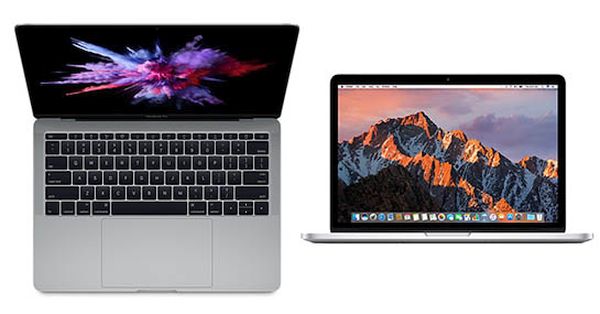
New MacBook Pro Release Date
Apple presented this computer on October 27th. It arrives with some curious features. For example, it can boast Touch ID option, Touch Bar instead of a number of keys, better screen and some other improvements. It’s also worth to say that this model comes with Thunderbolt 3 ports. These are USB-C caring ports.
Still for iPhone charging you require a new cable since the USB lightning cable doesn’t support USB-C connection. We’ll give you some tips on what you can get in order to enjoy new MacBook Pro release and the opportunities it opens to simplify the charging procedure for your iOS 10 smartphone.
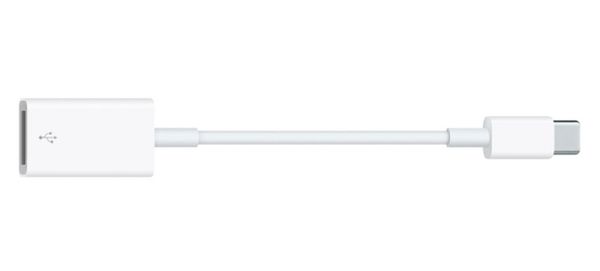
iPhone Charging Accessories for MacBook Pro 2016 Port
You can take a look at different accessories. There is more than one solution in the market so you can choose and it’s great when you have a choice, right?
There are special adapters from USB-C to regular USB. If you find one interesting enough to purchase you’ll be able to turn MBP into iPhone charger. Such adapters remind of a small dongle that makes the unique Thunderbolt 3 port a regular USB port. You know how Apple likes to create exclusive devices with exclusive ports!
How much can such an adapter cost? You can find it around $20 online if you prefer original Apple accessories. Third-party companies also create similar products and offer them way cheaper. You can search different stores (both online and your local shops) if you wish to get such an adapter. By the way, all iPhone Verizon users can limit their data usage to save money on monthly bills.
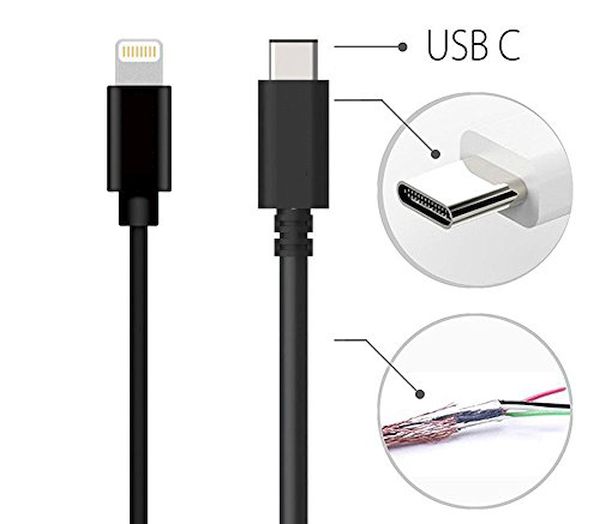
There is a different product you can look for. Modern market can aslo boast USB-C to Lightning cable. Such accessory can let you charge iPhone 7 via your MacBook Pro with Retina display as you can connect iPhone directly to your computer via this cable. It’s pretty simple and way simpler than getting an adapter however Apple prices such cables at around $25. It does sound too expensive for a cable.
Just as it happens with all original ‘fruit’ accessories you can always find third-party USB-C to Lightning cable and use it instead of Apple product. This way you can save some money.
How Do I Know If My iPhone Is Charging
Once you connect the handset to MBP 2016 device [find our how to get a full refund from iTunes] you will know at once that the charging process has begun. If your iPhone is locked there will be a big battery icon on the lock screen. If the phone is unlocked you should still understand it is being charged. Take a look at the status bar. Do you see where your battery icon is located? Right beside it you will find a lightning bolt. It tells you everything is ok and the charging happens.
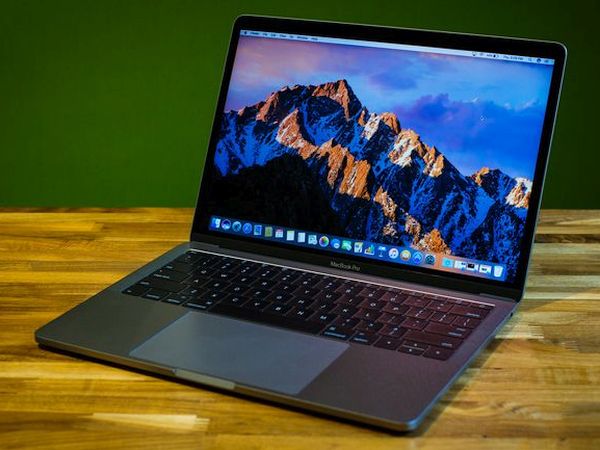
Apple MBP 2016 Features
The arrival of new MacBook Pro was just in time for the upcoming holiday shopping season. Apple could present it along with iPhone 7 and 7 Plus earlier this fall however it took some time before offering an updated Mac to fight with declining Mac sales.
If you have this gadget you should learn how to set up MacBook Pro 2016 version. It’s a simple and quick guide for everyone who is planning or already purchased the latest device from Apple.