Some Apple fans dream about Mac 5K display and you can learn how to connect one well-known monitor to your ‘fruit’ machine. Not all users who are trying to perform this action enjoy the smooth procedure. Many do experience some bugs and issues. You might also come across possible known problems so you need to learn how to solve it before you start.
We are talking about LG UltraFine 5K display. This can be your Macbook Pro external monitor and you should follow the quick tips on how to start working with this display and make your computer even better with a powerful screen.
Remember that different problems are possible. Still you can fix them if you follow the detailed guide below. P.S. You can send amazing disappearing photos and videos on iPhone Instagram which is so cool.
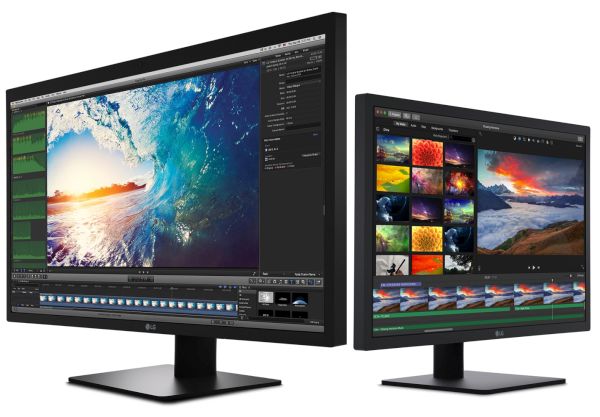
Apple Display 5K Option
The new LG 5K monitor is a spectacular UltraFine 27-inch display. Users are more than happy to get this product to watch movies, films and various videos. This screen offers incredible 5120 x 2880 resolution, 14.7 million pixels and incredible P3 wide color gamut. It sounds very attractive and connecting it to your Mac could bring an unforgettable experience.
The really big display can be a perfect addition to any Mac computer. It can be if you can connect it without problem. Issues are possible so our main goal is to avoid or fix them. Some Mac users are able to bring Touch ID to old Mac models.
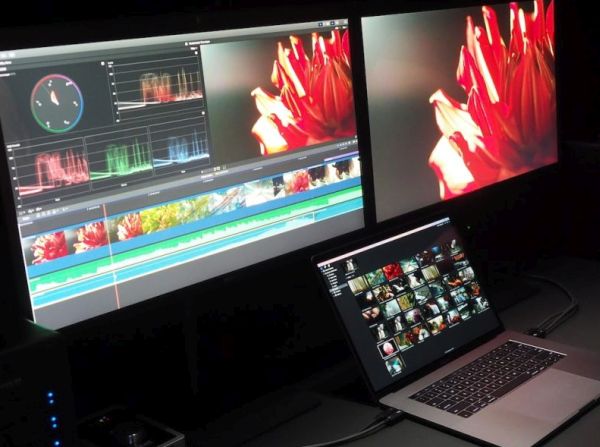
How to Connect LG UltraFine 5K Display to Apple Mac
Step 1. You should own a particular Mac model. So double check that your gadget is compatible with the LG 5K monitor. It currently supports the following models:
- 13-inch or 15-inch MacBook pro released in 2016
Step 2. Make sure your Apple computer is updated to macOS Sierra 10.12.1 or newer operating system version.
Step 3. If you have the USB-C to Thunderbolt 2 Adapter or cable you are able to connect the monitor to a computer with lower 3840 x 2160 resolution screen:
- 13-inch or 15-inch MacBook pro released in 2014;
- Mac Pro released in late 2013;
- 11-inch or 13-inch MacBook Air launched in the beginning of 2015;
- iMac versions from 2014 and 2015;
- Mac mini from 2014 with 3200 x 1800 resolution display.
Step 4. Connect the iMac, MacBook Air or MacBook Pro external monitor using the cable and enjoy the amazing 5K resolution.
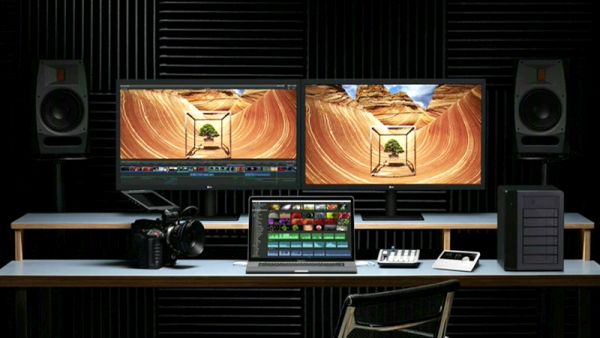
How to Fix Mac 5K Display Problems
The first problem with Apple display 5K connection is the compatibility. If your Mac model doesn’t support this product you won’t be able to connect it. So check once again if you own the correct Mac computer.
The second major issue you could have is related to your macOS Sierra version. Experts say that it is better to update to macOS Sierra 10.12.2 or newer for smoother results.
The LG 5K display can become your second Mac monitor however it could turn on only after you start using macOS version on your Mac Pro or Mac mini or other ‘fruit’ computer you have [it is possible to charge iPhone 7 with MacBook Pro 2016 version].
Double check if you have the correct cable. For example, your Mac won’t get power from the LG screen if it is connected via the Thunderbolt 3 to 2 adapter. You might need to use the original Apple power supply to charge your computer and use the cable that arrives with 5K display to connect without issues. The Thunderbolt 3 that can offer 5A of power might also be a good choice.
Some options might not work well or not work at all. The Display might not support different pre-boot options. For example, there could be issues with macOS Recovery feature and Boot Picker option.
If your display doesn’t work after you made sure your computer, version of operating system and cable are compatible you should contact LG since this is the company that stands behind the UltraFine 5K display. The firm could help you.
There is LG support page you can visit to fix the problem or get help with the software / user’s manual.