Many experts and users have proved that if you purchased T-Mobile iPhone 6 Plus or 6 model from Apple store you could have used it with Verizon, AT&T and other U.S. and world networks. You needed no T Mobile device unlock iPhone code a couple of years ago. Has this changed in 2016 or not? Do iPhone 6s, 6s Plus and SE come unlocked as well or not?
When you visit the carrier’s site you will learn about Mobile Device Unlock service offered for a number of handset models including iPhone 6, 6s and SE. Do you really need the code or can you just purchase or borrow your friend’s AT&T SIM card and insert it into your handset to make it work? All these questions require answers. We are happy to explain details on T-Mobile unlock phone for international use.
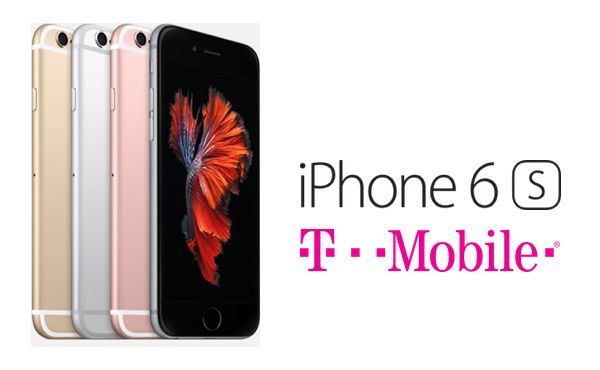
How to Unlock a Phone from T Mobile
According to the network’s website, users who wish to use their smartphone with other networks have to go through T-Mobile unlock code request. This is mentioned for different models, including iPhone 6s, 6, SE and older 5s.
Will TMobile unlock my phone for me? The carrier is more than eager to do this for you. You just need to learn how it works and what you are required to do. The SIM unlock as it is called by different companies is needed because your network might prevent your mobile gadget from working with other wireless networks before you get the unlock code [which is similar to official permission of your old carrier to connect to other mobile providers].
T-Mobile unlock code can be requested however before you proceed we’ll give you one useful advice.
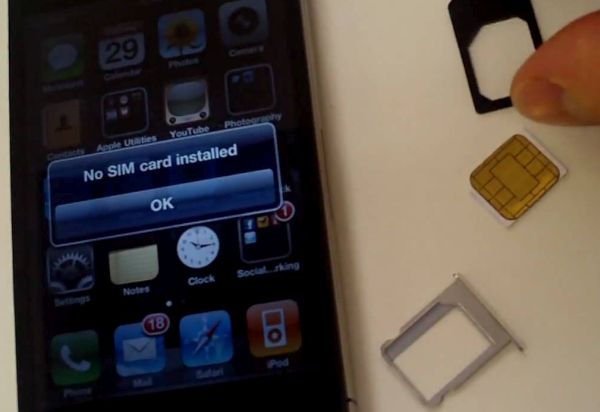
Tips: How to Unlock My TMobile Phone
Step 1. Make sure your handset is locked as it can be already unlocked for you. In such situation you don’t have to ask for any codes and use no third-party SIM unlock T-Mobile iPhone packages.
Step 2. Find a SIM card that is activated with AT&T or Verizon U.S. carriers.
Step 3. Turn off your phone and take out your current T-Mobile SIM.
Step 4. Insert AT&T SIM card and turn on your iPhone.
Step 5. Check if you have the signal. If you can connect to AT&T, make phone calls, text and surf the web you are good to go [congratulations as you have unlocked iPhone for free]. Just purchase your own SIM card and use your smartphone with this network. There is no need to continue with the T-Mobile unlock iPhone instruction.
T Mobile Locked My Phone
If you inserted a different SIM card and get no signal you might think that your iPhone is locked to T-Mobile network. Still there could be other reasons. For example, your new network is using different frequencies and thus you cannot access its network. You should be 100% sure that you are compatible with the other carrier you wish to switch to.
Use T Mobile iPhone 6s unlock instructions is you are planning to use the other network your phone is compatible with but doen’s work while you are using T-Mobile handset:
Step 1. Double check that you are eligible for the unlocking code. Only T-Mobile devices with good-standing accounts, whitelisted (your phone cannot be blocked by your network or reported as stolen / lost) and eligible for unlock can become SIM free.
Step 2. Contact T-Mobile and request unlock code online for your smartphone.
Step 3. Wait for 2-3 business days to get your unlock code which is completely free, accoding to T-Mobile unlock requirements.
Step 4. Remember that you can only request 2 unlocks per line per year with this American network.
T Mobile Unlock iPhone 6s Guide for Users Who Don’t Meet Requirements
Sometimes you are not eligible for direct free unlock from your carrier. It could be for many reasons. Maybe you have already used your 2 unlocks this year or your smartphone hasn’t been active on the network for 40 days yet. Maybe you haven’t paid in full for your gadget but still wish to switch to a different carrier without purchasing a new iPhone.
It doesn’t matter why you have no desire or wish to contact T-Mobile and request unlock code. There are third-party companies that can distantly SIM unlock your iPhone 6s by IMEI which is safe, fast and affordable. Some requirements should still be met by you but this list is not as long as the one created by your original network.
You now know the answer to question ‘Do TMobile iPhones come unlocked?’ – they mostly do but sometimes there exceptions. You should always double check if your model can work with other networks.
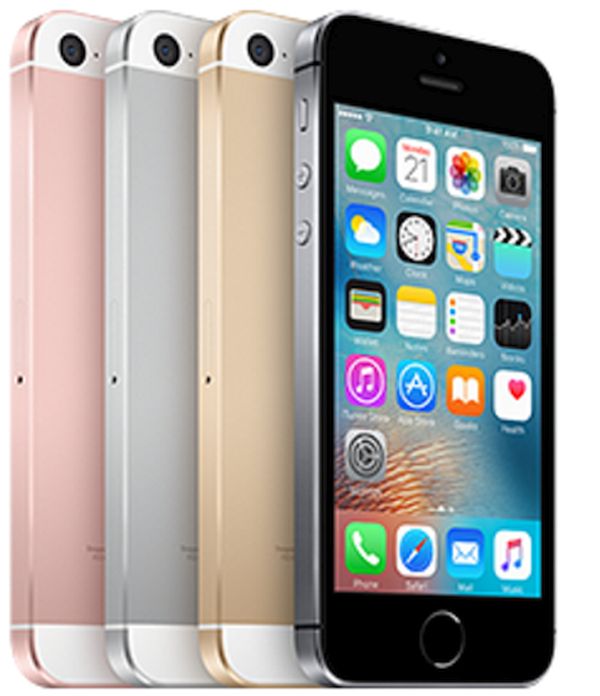
T Mobile iPhone SE Locked or Unlocked
This particular model is pretty curious. Experts call it ‘carrier agnostic’ since your T-Mobile version A1662 can work on AT&T or Verizon network but will not work on Sprint even after you SIM unlock it. It might also not support carriers in Canada, Russia and some other countries. At the same time, model A1723 is fine for Sprint and T-Mobile but will work bad on AT&T or Verizon.