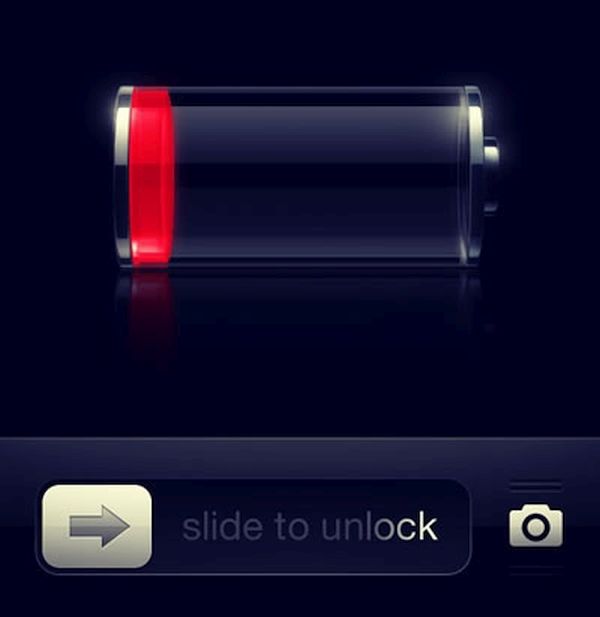
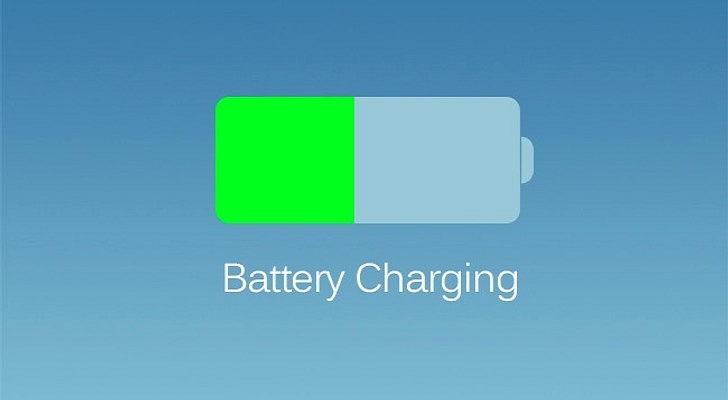
Apple iPhone are not a secret. Some users are searching for real iPhone battery stuck fix solution. There is such a bug on iOS 9 [here is how to reduce mobile data on iPhone 6]. A lot of people came across this problem however the next iOS 9.3 isn’t released yet and the issue could begin with iOS 9.2 or 9.2.1 update.
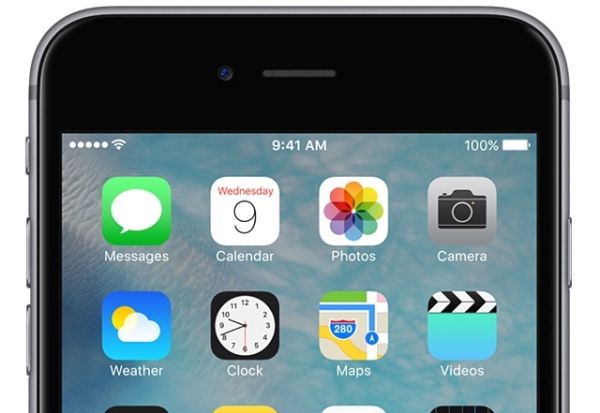
If your iPhone 6 battery percentage stuck you might need a fast and easy-to-follow guide. The step by step instruction can be found below. It works for iPhone 6s Plus and iPhone 6s. If sometimes your smartphone drops battery life below 20 percent and then jumps up to 50 percent – this is the bug to deal with.
How to Fix iPhone Battery Percentage on iPhone 6
Step 1. There is no need to wait for iOS 9.3 update. Connect to WiFi data and make sure your data is on.
Step 2. Launch Settings app.
Step 3. Go to General menu.
Step 4. Select Date & Time.
Step 5. The how to fix iPhone battery percentage on iPhone 6s Plus / iPhone 6 continues with you disabling and enabling the Set Automatically feature.
Step 6. Watch as the switch becomes gray and green again.
Step 7. You can now restart the smartphone. Hold down both Home and Sleep / Wake buttons. Apple logo will appear.
Step 8. When the gadget is bak on your battery icon should be normal and update the percentage just as it used to be.
You might have to repeat this guide periodically because users report the bug is getting back after a while. Hopefully the future iOS 9.3 will fix the problem for good.