The new iPhones have smaller battery than previous generation models. Still Apple added the more powerful A9 processor and other improvements that should not affect your battery life [you can check your AT&T iPhone 6s order status]. If you are having any iPhone 6s battery issues you might want to fix everything using the guide below. Hopefully it will solve your problems.
For example, the new iPhone 6s comes with the 1,715 mAh battery with 3.82 V and 6.55 Whr. The second 2015 smartphone model iPhone 6s Plus has the 2,759 mAh battery that is rated at 10.45 Whr and 3.82 volts. These specs are better on the iPhones 6 / 6 Plus.
Some users complain about their short battery life on iPhone 6s Plus and iPhone 6s. How can you troubleshoot and fix this situation? Keep on reading and follow the simple tricks that should change everything for good.
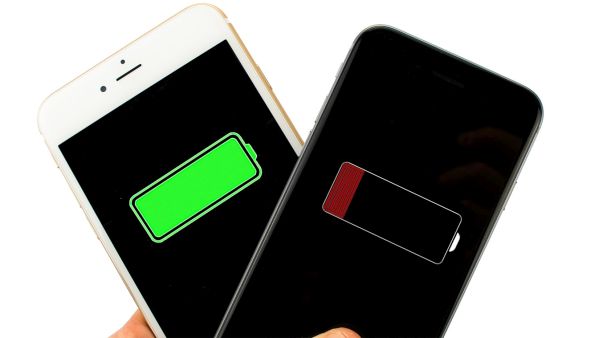
iPhone 6s Battery Life Fix Instruction
Step 1. The new iOS 9 platform can show you your battery usage breakdown by applications. This is a handy feature that gives you an opportunity to figure out the apps that are draining the most battery life and remove them from running in the background, make them stop downloading extra content or completely delete if you don’t need the program. You can go to Settings – Battery and get the list of all the apps that are consuming battery.
Step 2. You might also want to turn off your Background App Refresh feature. You can do this through Settings – General menu called Background App Refresh. Some tools as Facebook can be disabled as you don’t really want them to update every hour, right?
Step 3. You can also turn off location services through Settings – Privacy menu. Do this for all applications and you’ll see that your battery life lasts longer.
Step 4. Users who spend much time in areas with poor LTE coverage might want to disable the 4G / LTE feature in Settings – General – Cellular / Mobile menu. This way your battery life won’t be drained by constantly checking o your cell signal.
Step 5. If you see that the problems with your iPhone 6s battery life are getting wroth you might want to hard reset the gadget. You should also reset your network settings and this might help to maintain your battery.
Step 6. iPhone 6s owners could use Low Power mode when they need their battery to last longer. Do this through Settings – Battery.
Step 7. If this also doesn’t help you might need to restore your iPhone as new through iTunes.