iPhone users who are using different U.S. carriers can adjust Netflix video quality and get other controls over this service. Why would you need to control your data usage? Firstly, you can save some money if you get this control. Secondly, you can improve or reduce the quality of videos on-the-go.
Netflix data usage can be controlled via special application. You can download it on the App Store and install on any iPhone that is running iOS 9. You can use iPhone T-Mobile, Sprint, AT&T, Verizon or any other American network and avoid extra charges from your cellular data network. This can be pretty handy, can’t it?
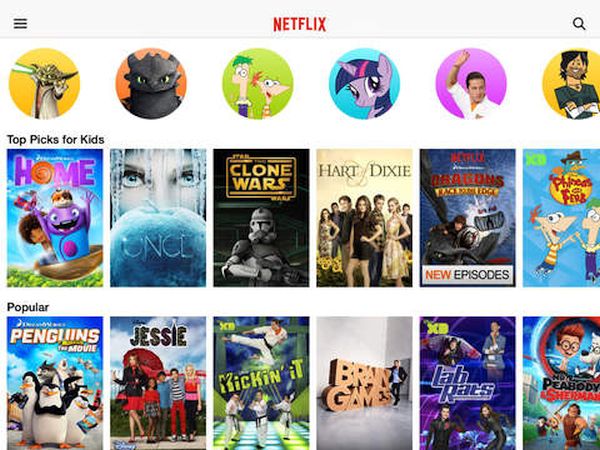
Once you install the app you can get full Netflix cellular data control with its help. At the same time you will get the bets video consumption per GB as the settings make it possible for you to choose and change this figure.
You can choose to use only WiFi network to save your cellular data completely. You are able to select Low quality option to get 4 hours of videos for each GB you consume. There are also other settings that go up to Unlimited.
If you are not happy with your carrier data plan but you are locked to its network – you can order SIM factory iPhone unlock for Sprint, T-Mobile or other carrier. This is fast, safe and affordable. Becoming SIM free is permanent. You will be able to select your data plans by switching SIM cards and using the best U.S. carrier you can find.
Download the free Netflix iPhone app and enjoy the changes.