Have you tried to update to iOS 9.3? Have you failed? A number of users experience different ‘unable to activate’ errors and we’ll be happy to help you fix this situation and successfully install the spring Apple update for iPhone and iPad.
If you try to install iOS 9.3 update and get stuck on activation screen – you’ll be surprised at how easy the fix iOS 9.3 issues guide is. You can simply and quickly solve known activation iOS 9.3 error if you follow this step by step guide.
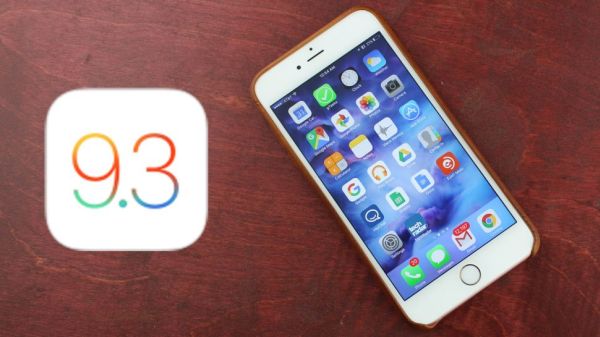
Activation Sever Unavailable iOS 9.3 Fix
Step 1. Take your iPhone and go to Settings.
Step 2. Choose General menu.
Step 3. Go to Software Update menu.
Step 4. You should be prompted to install Software Update so follow the installation guide on your screen.
Step 5. If you don’t have the prompt to update you should launch Setting and go to General – Storage & iCloud Usage and Manage Storage where you can delete iOS 9.3 listing. Return to Software Update menu and install iOS 9.3 build 13E237.
You should note that this update supports only iPod Touch 5G, iPhone 5c, 5s, 4 and 4s, iPad mini and iPad mini 2, iPad 2 / 3 4 and iPad Air / iPad Air 2. There should be no problems with iPhone SE – new 2016 Apple phone.
If you can’t get to Settings because you are already stuck on Activation screen you need to take a USB cable and connect to your computer, launch iTunes and download iOS 9.3 by following this guide:
Step 1. Once you launch iTunes you should force restart iPhone.
Step 2. When iTunes asks if you need to Update or Restore you should select Update option.
Step 3. Wait till iTunes downloads iOS 9.3 update and install it by following the on-screen guide.
There should be no activation issues.