There are different iOS 9.3 Safari issues and one of the problems mentioned by users is the freezing bug. Safari mobile browser get frozen when you are trying to open links. The same thing happens with the Mail application.
Is there a way how to fix iOS 9.3 Safari problems after iOS 9.3 update? Many iPhone and iPad users are not happy with the bugs offered by Apple along with this minor update. It surely brings some new features to iDevices along with the bugs.
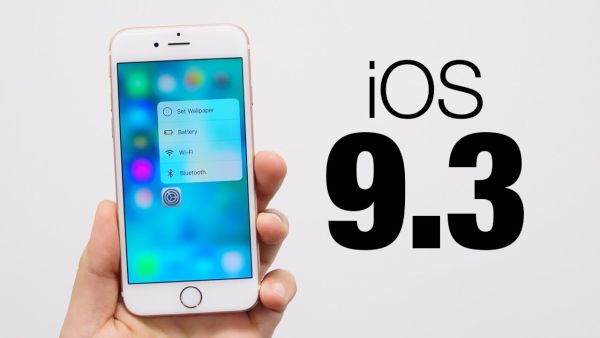
If iOS 9.3 Safari freezes for you there is something you can try:
Step 1. Launch Setting app on iPhone or iPad.
Step 2. Scroll down and find Safari option.
Step 3. Click on Safari – Advanced and find javascript.
Step 4. Disable javascript by toggling it off.
Step 5. Relaunch Safari browser and see if you iOS 9.3 Safari problems are gone.
This solution to random Safari freezing is not permanent. Apple will soon present an updated iOS 9.3 file and address this bug. If the problem is still present you might want to force reboot your gadget and clear Safari cashe. If the issue still exists you might want to use Chrome for iOS 9.3 until Apple releases an update and solves the problem for you.