
Have you installed iOS 9.3 update? There are users who came up across iOS 9.3 problems. They are not able to activate their phone. Apple is aware of this issue however you can follow our instruction and try to solve everything.
Different iOS 9.3 issues would appear once in a while [by the way you can cheat Touch ID with Play-Doh]. Although Apple was testing this firmware before bringing it to public – users still get bugs and errors after update. Some of them can’t activate iPhone and if this is the same problem you are facing – here is how to fix it.
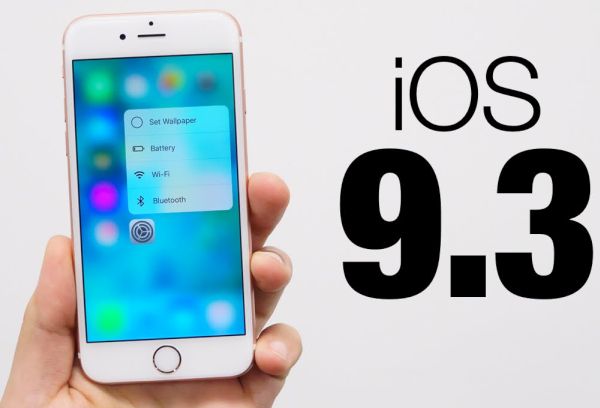
Solve iOS 9.3 Activate iPhone Fail Issue
Step 1. Take your iPhone and connect it to your computer.
Step 2. You should also install the most recent version of iTunes [Apple presented new software and products after Apple March Event].
Step 3. Choose your gadget and you’ll get the Activate iPhone screen.
Step 4. You need to enter Apple ID / password if you can’t activate iPhone and wish to solve this issue.
Step 5. The problem should be gone and you should successful pass activation.
Some users note that this method is not working. You can try to turn off iPhone and turn it back on, login to your iCloud account and launch Find My iPhone tool. You need to remove all gadgets from your account and set up your iDevice again.
This should remove the iOS 9.3 bug and fix the problem.
Of course, Apple would present a simpler iOS 9.3 fix to all users soon but we don’t know the exact date when it happens.