When you are taking low-light pictures with your iPhone 6s or iPhone 6s Plus you might want to disable Live Photos iPhone 6s feature. Why? The main reason to turn off this option is to improve the quality of your images.
The Live Photos was introduced on the new generation smartphones. When you are taking such a picture on iOS 9 firmware you also create a three-second short video which you can share with your friends and family. It’s a fun option however sometimes you need it to be disabled so that other features work better.
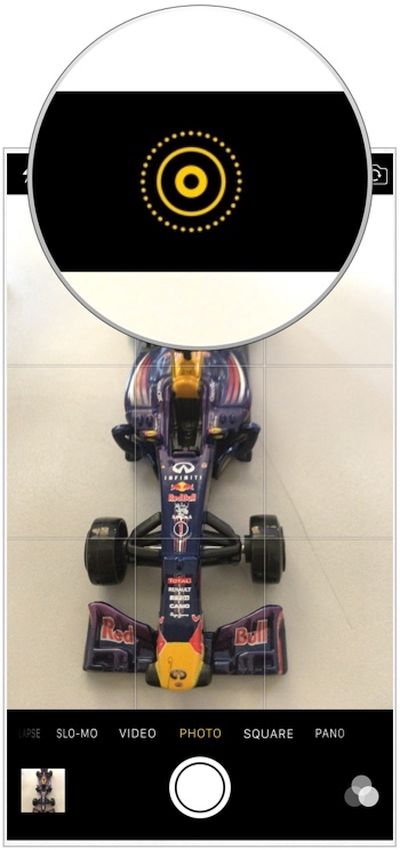
iPhone 6s Live Photos Feature Disable Guide
Step 1. So how exactly can you turn off your Live Photos on iPhone? This is so simple! You should take your iDevice and use Home Screen.
Step 2. Launch your Camera program.
Step 3. Select the Live Photos icon. You can find it at the top.
Step 4. You will disable the feature. The icon should be white which means the option is off.
When you only get the new iPhone 6s your Live Photos are already enabled. You should turn them of when you are not using the option and when you wish to improve the quality of your low-light camera.
Just don’t expect the smartphone to take DSLR or similar images afterwards. The enhancements won’t be that astonishing.
The thing is: Live Photos recording doesn’t allow your iPhone shutter speed to stay open for a long while. The sensor cannot absorb enough light because IOS levels can’t be increase. When the feature is off – your low-light shots should be better.