Users who got the most recent Apple smartphones [iPhone 6s or iPhone 6s Plus] can easier edit and select text thanks to trackpad keyboard iOS 9 feature. Learn how to use this option with your 3D Touch that is also present in the new generation smartphones.
There is the fun iPhone trackpad keyboard feature that can be used on 3D Touch gadget with iOS 9 firmware pre-installed. For example, iPad users can do similar thing on their tables and edit text and move it like this: just place your two fingers on your iDevice display and move them directing your cursor to letter / word that requires editing.
While the iPhone option is a bit different it is pretty comfortable and nice to have.
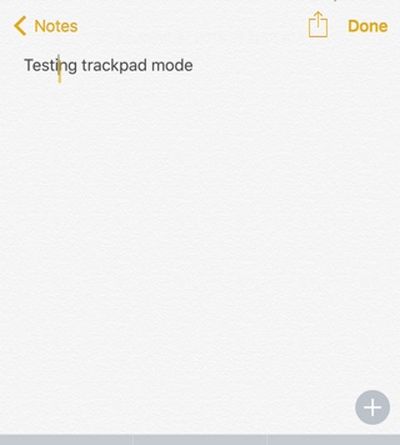
How to Turn iPhone 6s Keyboard into Trackpad
Step 1. Take the iPhone 6s Plus or iPhone 6s model. We’ll be using the 3D Touch feature so turn it on in case you have already disabled it.
Step 2. Press firmly on your iOS 9 keyboard. Remember that the 3D Touch is sensitive to your touch.
Step 3. Once your iOS 9 keyboard is turned into trackpad on iPhone 6s you are able to launch applications using it [learn more about iPhone 6s AT&T coverage compared to Sprint carrier’s opportunities].
Step 4. The cursor can be moved with your finger. Swipe around and edit text just as you normally do on your computer trackpad.
Step 5. It is possible to move a finger around the display. The feature still works even when you are not working within the keyboard area.
Step 6. Users who need to select the text can press deeper and continue moving the cursor to get more of text selected. You can then copy it or delete, cut etc.
Does the feature look neat to you? Have you give the iPhone 6s keyboard a chance to work as your trackpad?