iPhone users can easily control the quality of Netflix videos and even lower Netflix mobile data usage on their smartphone. This could be handy to AT&T iPhone subscribers and anyone else who prefers saving money by reducing data usage.
How much mobile data does Netflix use? You can get this information by installing Netflix iOS 9 application on your Apple handset. This app allows controlling your data usage and quality of videos. It supports both iPhone and iPad. We are happy to share a simple guide with users who prefer learning how to take the control of their data.
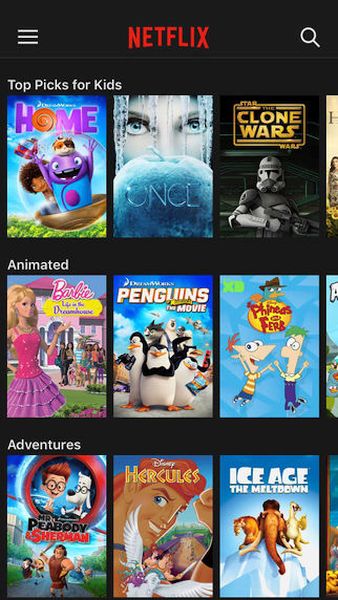
How to Reduce Netflix Data Usage on AT&T iPhone
Step 1. Install the free application Netflix which you can download from App Store.
Step 2. Launch Settings.
Step 3. Go to Mobile Data / Cellular and find Netflix menu below Use Mobile Data For to understand how much data it is using on the iPhone.
Step 4. Launch your Netflix application and open App Settings. You need to click on the 3 lines in the top left corner and then press the settings to select Cellular Data Usage.
Step 5. If you ‘Set Automatically’ option doesn’t satisfy your data needs you can adjust the settings manually by choosing Off, Low, Medium, High or Unlimited option. This way you can block cellular streaming or allow particular hours / GB to save your mobile data usage.
AT&T iPhone users who happen to have the grandfathered unlimited data plan might enjoy the Unlimited setting as it saves the highest quality of Netflix videos for you. Still remember that AT&T likes to throttle users who ‘overuse’ their unlimited data.