While you might be thinking which gadget is better to buy: iPhone 6s or Galaxy S6, the iOS 9.1 update was followed by new iTunes 12.3.1 update. Are you ready to install this program on your Mac or Windows? The upgrade brings some new enhancements and should deliver better performance.
The most recent iTunes 12.3.1 download is already available on Apple official site www.itunes.com/download. You can download it and install on your computer. The fixes are must-have. For example, the program should be more stable and perform better compared to the previous version.
You can also install it through Mac App Store where the update is available via Update menu [if you are trying to use iOS 9 WiFi Assist and it fails to work you should learn the reasons that can cause this]. Here are the main iTunes 12.3.1 system requirements you should meet in order to run it on your Mac or PC machine.
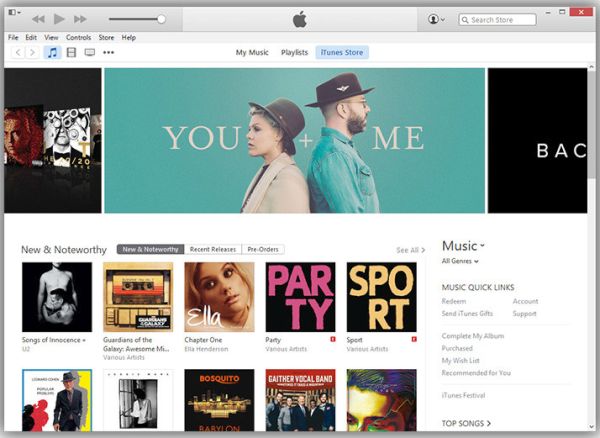
iTunes 12.3.1 Requirements for Mac System
You should have Intel processor, 2.0 or 2.4 GHz Intel Core 2 Duo or faster if you are planning to watch 720p or 1080p HD videos on iTunes.
Remember to install OS X platform 10.8.5 or newer version. Users who are looking for Apple Music streaming service should update to OS X 10.9.5 or later operating system update [install OS X 10.10.3 or newer for iTunes Extras]. You’ll only need to make sure you have at least 400MB of free space on your disk.
iTunes 12.3.1 Requirements for Windows System
Users who have PC with 512 MB of RAM, the processor can be AMD / Intel with 1 GHz and SSE2 support. If you are planning to watch 720p HD videos you’ll need at least 1GB of Ram. For 1080p HD videos you’ll need at least 2GB of RAM.
The video card should be modern to be compatible with DirectX 9.0.
You must be running Windows 7 or newer version.