A number of iPhone users report they experience iOS 9.1 Touch ID issues are updating to this firmware [it is possible to download iOS 9.1 ipsw or update via OTA; you can also SIM unlock AT&T iPhone on iOS 9.1]. According to different Apple customers, their Touch ID does not work, becomes too slow or is not responding at all. This happens right after you install the new platform firmware but the problem is not common yet.
Only some iDevice owners assure their Touch ID not working after iOS 9.1 update [if you expeirence battery life issues you can also fix battery drain on iPhone 6s]. It is also curious that Apple released the iOS 9.1 upgrade in the end of October however the first problems surface in November, according to complaints. Users who have updated and started using the latest mobile OS assure that their Touch ID slow in iOS 9.1 or stops working at all.
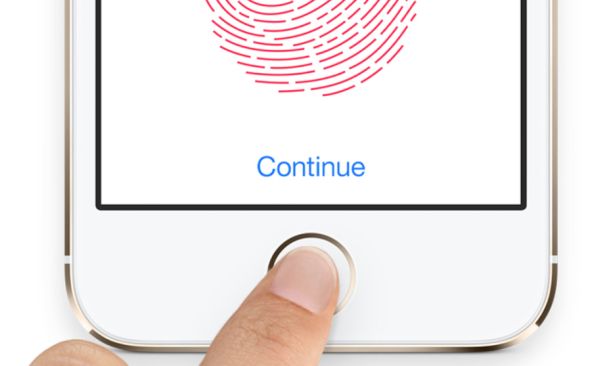
The reports about unreliable Touch ID option are not rare. Previously it was possible to downgrade iOS 9.1 to iOS 9.0.2 however now this doesn’t work because Apple is not signing the previous firmware version any more. Lucky users who got a chance to downgrade have no problems with their smartphones but users who didn’t downgrade complain about the issues on the company’s Support Forums.
iOS 9.1 Touch ID Not Responding Bug
As noted by Apple fans who have installed version 9.1, their iPhone Touch ID becomes useless and they have to input the passcode. This happens on iPhone 6, iPhone 5s and even the new iPhone 6s that was officially realeased this fall [the problems also affect the App Store]. Before the update, users assure there were no issues with their Touch ID work. Everything started to happen only after the upgrade, using low power mode or other actions.
Apple doesn’t explain what happened and when it is planning to fix Touch ID not working iOS 9.1 problem. Maybe the company will offer the solution in iOS 9.2 release that is being tested now by developers and public beta testers. You can try to reboot if you have the bug as well however this is only a temporary fix and the problem will return pretty soon.