There are different hidden iPhone 6s features that actually work on other models and mobile devices as well. We are talking about secret iPhone codes. Maybe these are not exactly the secrets left by programmers but it could be useful to know some combinations just in case.
It’s true that coders traditionally leave some mysterious passageways for users that are revealed when you enter a particular ‘key’ and it seems that similar thing happens in our mobile era. Using the codes we’ll describe below will unlock your handset’s hidden options. Aren’t you excited?
We can call codes to unlock iPhone 6s, 6, SE, 5s and other brand gadgets ‘quick codes’ and ‘feature codes’ as such USSD allow customers learn more about their device. USSD stands for Unstructured Supplementary Service Data and this additional UI protocol is your passway to CDMA and GSM smartphones including Apple, Samsung, LG and other well-known firms.

Top Reasons to Unlock iPhone 6s Secrets
Why would you like to access backchannels that are available to public? Firstly, you can quickly access some important features and save your time. Secondly, this is just a direct way to communicate with your mobile operator. Thirdly, this is just something fun to learn and show your friends. Usually these tricks are something you can live without.
We’ll share both Apple and Samsung secret codes and tricks that can also work on other phone brands [here are useful repair guides for users who dropped iPhone 6s in the toilet]. Some of the combinations are exclusive to a particular gadget so we’ll mention this situation if this is the case. All other keys and numbers can be used on various devices.

How iPhone Mobile Phone Secret Codes Look Like
Most secret combinations start / end with key ‘#’ and ‘*’ – such numbers and keys make sure that users don’t accidentally dial the combination to access hidden features. Of course, the chance that someone would unintentionally enter the code still exists but it’s extremely low. Once you see main combinations you’ll understand why.
By the way a lot of people don’t know the secret codes and still enjoy using all their phone functions. Still sometimes it is much cooler when you can figure out your iPhone IMEI number by entering a combination rather than going to Settings. The same can be said about other secret options you will unveil once you know the right code. Sometimes you can surprise yourself.
iPhone Secret Codes Tricks
Let’s take a closer look at the most popular and used hidden iPhone features that can be accessed via a code. There are many more codes to learn but we have no desire to cover all of them. We have carefully picked out some of the best just for you. Note that some codes don’t work across various networks, firmwares and handset models.
Code 1
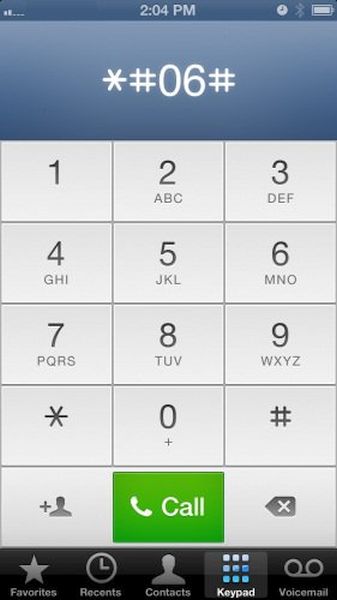
Users who are planning to SIM unlock iPhone from AT&T or other carrier have to know their IMEI number. You can easily access it if you dial *#06# however you should not that this option might not work for Verizon network for some reasons. You can learn many interesting things about your activation status, lock status etc. while knowing your IMEI so this is a useful option.
Code 2
If you wish to learn a number where your device is forwarding your calls you can enter *#67# and get the details. Use code *#61# to learn how long it takes for your call to be forwarded.
Code 3
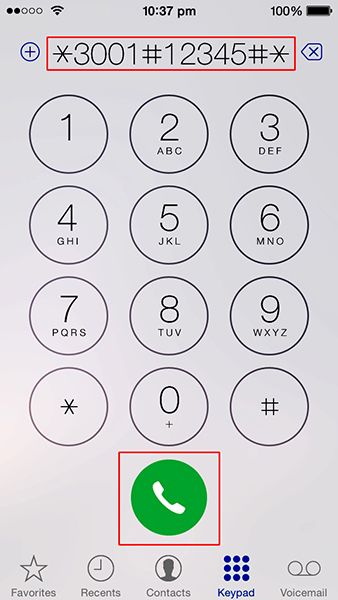
The combination *3001#12345#* [you won’t accidentally dial such combination, right?] gives you access to your phone Field Mode. Why do you need it? This is just an interesting option that shows details about your local cell towers and networks. Nothing too special but could be handy hen you get iPhone no service error.
Code 4
Dial #31# to get Samsung mobile secret codes and tricks to disable your caller ID. If you need to enable it dial a different combination *31#.
Code 5
Some Android users can try combination *#0*# to see your smartphone operations, including Front Cam, Sleep mode and so on.
Code 6
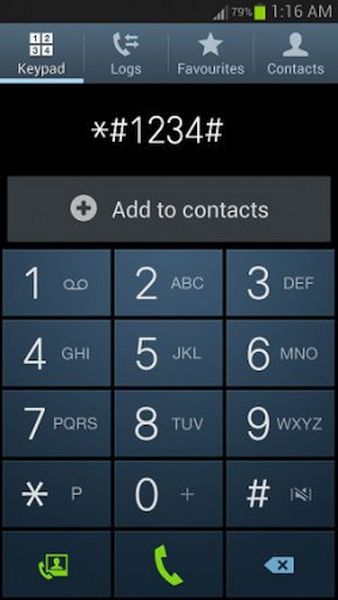
Users who have Samsung Galaxy phone can access one-click tests by calling *#7353# number. It is also possible to find out your firmware version using simple combination *#1234#.
Code 7
Dial *225# to see your billing information. If it can’t be displayed you’ll get it in the text message. It is also possible to find your billing cycle data via *3282#.
Code 8
Dial *43# and you will activate call waiting. To disable the feature you should dial a different combination #43#.
Code 9
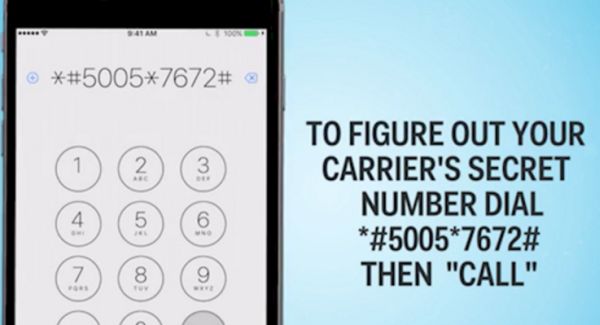
Dial long combination *5005*7672# and you will receive a text message with the SMS center number.
Code 10
Postpaid users can dial *646# and your phone will display available minutes or send this information via a SMS message.
When you unlock iPhone secret code you can access some features faster. This is probably the main advantage of quick numbers.