iPhone and iPad users get iOS 9.3.1 release. This new firmware version should fix the problem with opening links. If you installed iOS 9.3 when Apple presented it in March and noticed that any web link you were trying to open crashed once being tapped – you should try the newest firmware update.
iOS 9.3.1 fix to crashing links addresses only one problem. You are advised to use OTA-update option if you have had this particular problem with Safari links or couldn’t open links from within an app.
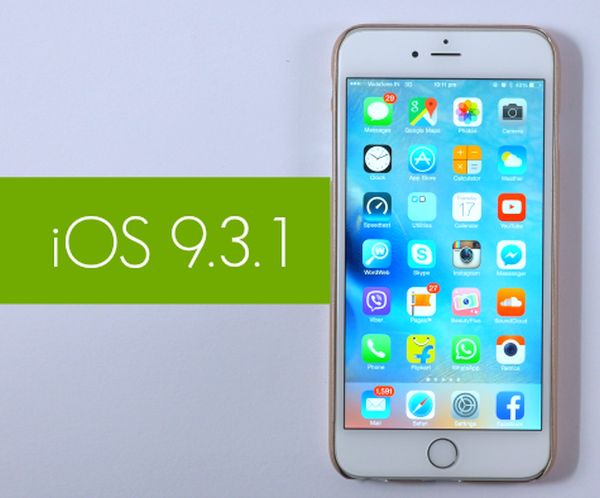
Actually iOS 9.3 is pretty buggy. It has numerous problems and Apple is trying to address each one with a new firmware update. The specific change offered by iOS 9.3.1 is the possibility to get away from crashing links. Still nothing is said about this release fixing other known iOS 9.3 bugs and issues.
For example, many old iDevice models get stuck during activation after iOS 9.3 update. Apple even had to pull this firmware for a number of devices because of this problem. At the same time, if you have installed iOS 9.3 on AT&T iPhone and everything is ok, you can already order SIM unlock for AT&T iPhone running the latest firmware version. This is a fast and reliable way to become free from AT&T carrier and choose different SIM cards for communication.
Have you had any issues with iOS 9.3 or iOS 9.3.1 so far?