Many AT&T iPhone users were waiting for iOS 9.3 update as much as Verizon owners who finally got WiFi Calling support this spring. AT&T subscribers are enjoying WiFi calls for a while but they were still happy to get new iOS 9.3 features and options.
Apple presented iOS 9.3 release in the end of March. A lot of users are now updating to this mobile operating system to see what changes are offered and explore all the interesting additions the Cupertino-based company has brought.
Main iOS 9.3 features include the great Night Shift mode. This is a great improvement that will be enjoyed by book worms who prefer reading messages and surfing the web on their mobile device. iPad users who update to iOS 9.3 public version will finally enjoy reading at any time of the day and night. Thanks to your iPhone / iPad clock and geolocation – the Night Shift option can shift the colors in your screen. It becomes easier on your eyes. Once you download the firmware on AT&T device head over to Control Center and turn on the option.
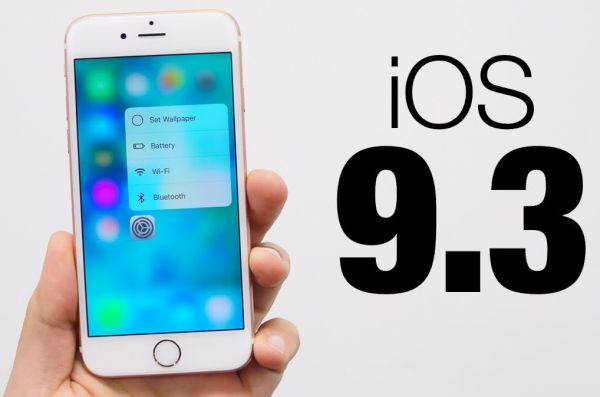
The long-awaited iOS 9.3 release allows protecting News and Notes with Touch ID / password. This is also cool as well as all the 3D Touch Quick Actions you can enjoy. They work with Apple stock programs including Settings and iTunes store.
If you decide to unlock AT&T iPhone via factory SIM unlock and switch to Verizon – you’ll be able to make WiFi callings as the latest upgrade brings WiFi Calling support to this network.
It is possible to install iOS 9.3 through OTA-update. To do this, go to Settings and select General menu. Choose Software Update option and wait till the device downloads the iOS 9.3 ipsw file for you and allows installation.