The new Apple lineup of mobile devices have different A9 chips. Some iPhone 6s and iPhone 6s Plus models are delivered with A9 chip Samsung and other get the A9 chip TSMC. So which one do you have?
Customers who have already purchased their new generation smartphone from Apple [the official release of iPhone 6s was on September 25th] can now get A9 chip Apple specs and learn what company manufactured processor for their gadget. It is believed that the new A9 processor is the most advanced one created for smartphones ever. This is the main reason why users are so interested in learning more about it.
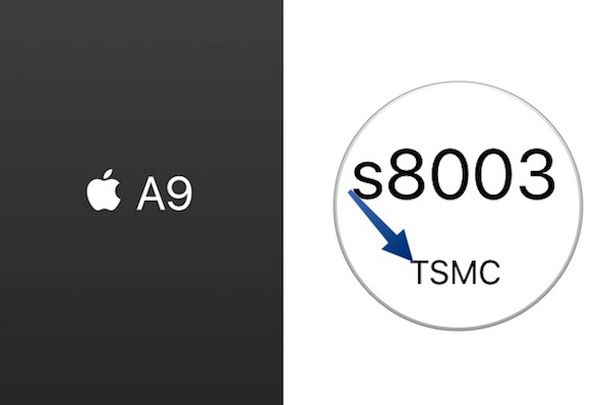
How to Identify iPhone Chip A9 [Samsung or TSMC]
Step 1. You’ll need to use the special program created by Hiraku Wang. This well-known developer released his CPU Identifier tool that you can download and install on your device using Safari or other mobile browser. You can delete it after you learn which chip you have.
Step 2. Once the tool is installed on your iDevice you should see the app that appears on your iPhone 6s or iPhone 6s Plus Home screen. Open Settings and go to General menu to select Profile option. You should trust the Guangzhou Huimei Electronic Co. Ltd. Profile in order to use the tool.
Step 3. Launch the application. It will now tell you either TSMC A9 chip or Samsung A9 chip and answer your main question.
Step 4. Now that you know who produced your A9 processor for iPhone 6s Plus or 6s model you should delete the program. To do this, launch Settings again and choose General – Profile where you can select the option Delete App.
The new Apple mobile processor is definitely better than A8 chips. The company ships some gadgets with the smaller chip by Samsung [14-nanometers] and others with the bigger processor by TSMC [16-nanometers].