Users who would like to bring their interaction with iOS 9 handset to completely new level can use 3D Touch sensitivity iPhone adjustment instruction. The guide explains how you are able to change your 3D Touch responsiveness. Everything will surely depend on how firmly your press the display or how light your screen touches are.
When you adjust 3D Touch sensitivity you will notice a huge difference at how iPhone understands your every move. Apple created iOS 9 platform but it’s up to you how to make it even better with simple changes to your settings.
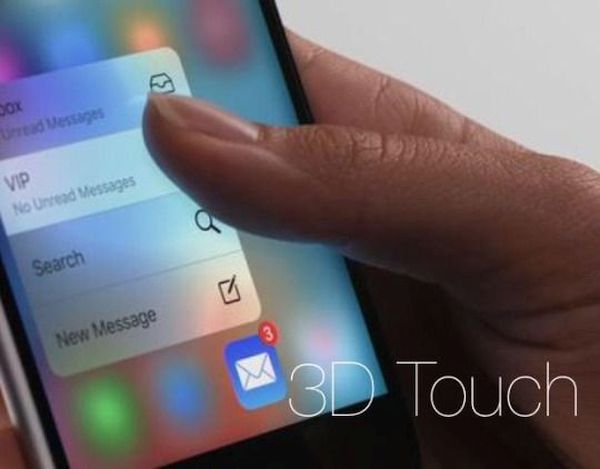
How to Adjust Touch Sensitivity on iPhone 6s
Step 1. Take your iPhone 6s [or repeat this same procedure on iPhone 6s plus as both devices support 3D Touch feature and are running iOS 9] and go to Settings.
Step 2. Open General tab.
Step 3. Go to Accessibility and select 3D Touch feature.
Step 4. You can change the sensitivity of your screen sensor by sliding the option to Firm, Medium or Light. You can guess the Light feature responds to light touches while Firm stands for hard press. Apple uses Medium as default option.
Step 5. It is also possible to disable or enable your 3D Touch feature. It can be also done through Settings – General – Accessibility – 3D Touch menu. Remember that if you turn off this option you won’t be able to use 3D Touch throughout iOS 9 system [find more iOS 9 tips you can use].
Adjust the settings to your likes and start using iPhone 6s 3D Touch option while enjoying the quick reaction of the screen to your every touch.