There is a long list of iOS 9 features you could find useful and enjoy using everyday on your iPhone or other Apple device. The company finally allows saving battery life through special Lo Power Mode. It created the iCloud Drive as iOS 9 application and provides a lot of great options for those who enjoy taking pictures and recording videos.
There are a lot of other iOS 9 tricks you might like. For example, you can group your notifications by applications making it simpler to find them later on.
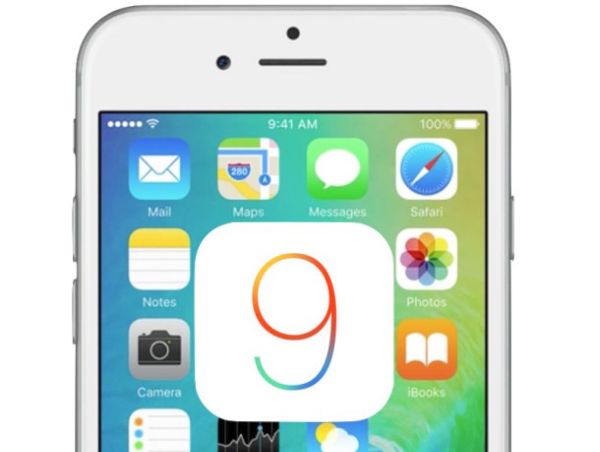
Those of you who are using Mail a lot can edit files right on the iOS 9 iPad, iPhone or iPod touch. Apple brings the new Reply and Markup functions and you can edit attachments [add your signature, text, drawings and other things] using Share sheet.
It has become possible to use Notes as your special word app. It gets tons of new options including checklists, sketching, Maps support and other useful additions.
Bedies, Mail and iCloud Drive allow you adding attachments and saving attachments. This is a great extra option that is lacking in iOS 8 and earlier firmware versions.
Apple allows saving battery life by placing the smartphone face down. This way the display doesn’t light up when you get a notification or text message.
It also important to mention the Quick Reply feature in the iOS 9 tips guide. It has been added to WhatsApp and similar programs. The company upgraded and improved Maps program and lets users disable vibrations for messages, phone calls and notifications through Settings – Accessibility.
Users who search iOS 9 contacts and names can place a call right from Search. When you wish to undo your last step you can shake your iDevice to Undo. Safari and other programs have also been improved. And finally Apple allows protecting your gadget using both 4-digit and 6-digit passcodes.