Apple released iOS 9.3.1 and a lot of iPhone and iPad users wonder how to downgrade iOS 9.3.1 and get back to the previous firmware versions. We’ll tell you if it possible to achieve this goal and how.
You have probably heard that Apple always stops signing previous iOS version once it presents a newer one. This has already happened to iOS 9.3 release that has no impact on battery life. In other words you cannot downgrade iOS 9.3.1 to iOS 9.3 because older operating system is no longer signed.
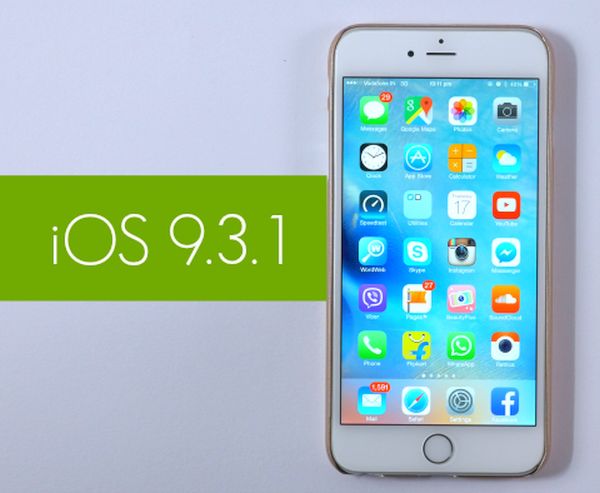
Why does it happen? The Cupertino-based giant is preventing its customers from downgrading. It’s curious that it took Apple less than 3 weeks to stop signing iOS 9.3 after iOS 9.3.1 update became available to public with numerous fixed to iOS 9.3 problems, bugs and issues.
Before you try to downgrade iOS 9.3.1 to 9.3 or any other future iPhone platform you should check the popular free site IPSW.me that shows the signing statuses for all Apple mobile firmware in real-time. All the changes are quickly reflected here so you will always know when the well-known ‘fruit’ giant stops signing another platform.
What will happen if you still try to downgrade from iOS 9.3.1 to iOS 9.3? You will get an error message [learn more about iPhone lock screen bypass issue]. You should also note that Apple could continue to sign some versions if they were meant to fix a previously known bug. This information can be also found on that special website.
Hopefully we have explained you some facts about downgrading. Remember that you cannot downgrade if you have installed iOS 9.3.1 on your iDevice. However once Apple releases iOS 9.3.2 you’ll be able to revert back to 9.3.1 until the company stops signing it as well.