A lot of customers buy used iPhones. With pre-owned devices it’s hard to know if everything is well with it [Apple is planning to release iPhone 7 in the fall]. Use is my iPhone stolen check to make sure everything is ok with your device. There are different ways how to do this. Let’s talk more about the check system.
There are users who iPhone was truly stolen. No matter how hard Apple is trying to protect the ‘fruit’ handsets from being stolen – thieves often pay attention to the iPhone because of the high demand for iPhones. Millions of Apple fans wish to own this smartphone but not everyone is eager to pay the full price for it.
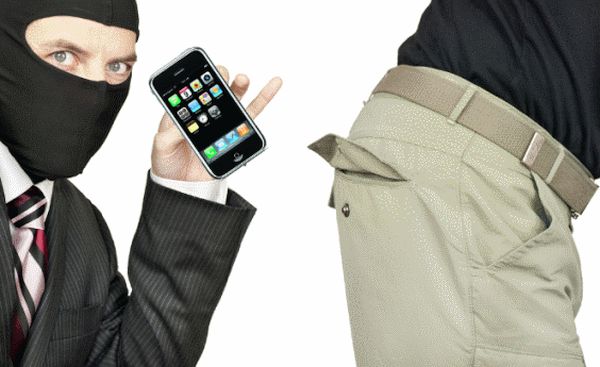
How to Check if iPhone Is Stolen
Step 1. It’s better to run IMEI checker (network checker) before you purchase a used iPhone. Don’t pay any money until you are sure the device is clean.
Step 2. It’s best to meet with seller in person and ask to Erase All Content when you are nearby. This way you’ll be sure that the device is not stolen because you must enter passcode to restore, erase or unlock the iPhone.
Step 3. Big discounts should make you curious about the iPhone’s real owner. In case you have already purchased a phone you should check its status. Get the IMEI code through Settings – General – About menu [or by dialing *#06#] on the iPhone and use this IMEI number to check your gadget’s information via Activation Lock site. This is legal and the fastest way to learn about the phone.
It is best to check the IMEI code when you have the gadget in your hands. Distant checking via Skype is not the best idea because you can simply receive a different ‘stolen’ model afterwards.