If you have already updated to iOS 8.3 that was officially released on April 9, you might want to also unlock your smartphone from AT&T carrier. This is useful if you are locked to U.S. AT&T network. We offer iOS 8.3 unlock iPhone AT&T permanent solution that is fast, reliable and simple for you. You have nothing to install in order to become SIM free and connect to any other network for the rest of your iPhone’s life.
Even though a big number of countries sells only unlocked iPhones, the U.S. carriers mostly sell this handset being locked to their network only. You can also purchase the never-locked model from Apple or T-Mobile, but if you have already got your iPhone 6, 6 Plus or earlier model being locked to AT&T and you wish to use other carriers as well, you have to order factory IMEI unlock service from a trusted and reliable firm.
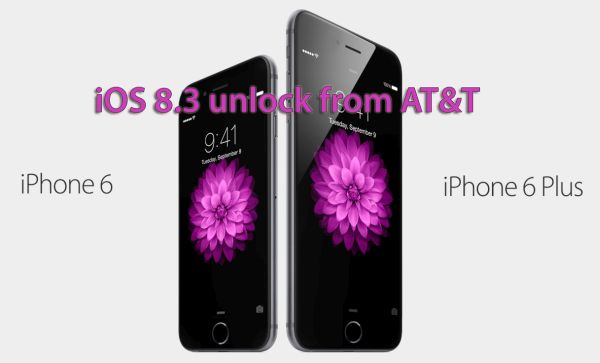
This service has to be ordered only once. After you are successfully unlocked you can update to new firmwares, connect to any network of your choice, downgrade, restore and even jailbreak without losing the SIM free status which is permanent and lasts for a lifetime.
How to Unlock iOS 8.3 iPhone
Step 1. Make sure you are running iOS 8.3 which is the most recent version of mobile OS released by Apple. The unlock works for any other version as well, so this actually doesn’t matter at all.
Step 2. You are highly advised to run several checkers before unlocking. Firstly, find out if your iPhone is out of contract or on contract with AT&T. Off contract models can be unlocked faster and cheaper than contract devices. Secondly, find out what carrier your iPhone is locked to. This is must-know answer because you have to be 100% sure you are locked to AT&T. Thirdly, use iPhone blacklist check service to make sure you are not blacklisted, blocked or barred by your network. Blacklisted iPhones cannot be unlocked in most situations though sometimes you can find the solution.
Step 3. After you make sure your iPhone is clean, locked to AT&T, you can select the unlocked package. If you have AT&T iPhone 6 or 6 Plus, you have to choose one solution. If you have an older model, you’ll have to choose a different package.
Step 4. Select your package and fill in the form for iOS 8.3 unlock. Provide your IMEI [dial *#06# to see it on your screen], choose your handset model, enter your email address twice, agree with our Terms & Conditions and click on Submit.
Step 5. After you pay for your order, it will be confirmed. You will also receive an email after your iPhone is unlocked from AT&T with a guide how to activate it through iTunes. This is free, fast and simple.
Enjoy being unlocked from your carrier on iOS 8.3 or any other firmware version you are running.