The upcoming iOS 9 features list has a lot of hidden options users might want to learn about [if you are running the most recent official Apple mobile OS you might want to learn more about iOS 8.4.1 unlock possibilities]. You can watch most iOS 9 features on YouTube channel as different experts and devs reviewed most of them or even all of them. We are about to speak about those hidden options iPhone and iPad owners will truly care about this September or in the future.
Firstly, Apple should introduce special battery saving mode. This is a great addition to the iDevice owner who wants to stay in touch and doesn’t like it when his battery life suddenly dies. The mode will automatically turn off your iPhone screen when you put it face down on the surface. Besides, there is Low Power option that can conserve your power and give you more time for using the iPhone when there is no option to charge it soon.
Secondly, the new iOS 9 version will come with iCloud Drive and you’ll be able to access it through Settings – iCloud menu where you will find iCloud Drive option. It’s hidden by default.
Thirdly, Apple allows users searching through Settings and across the firmware. This is a wonderful feature that was absent in iOS 8 and earlier firmware versions.
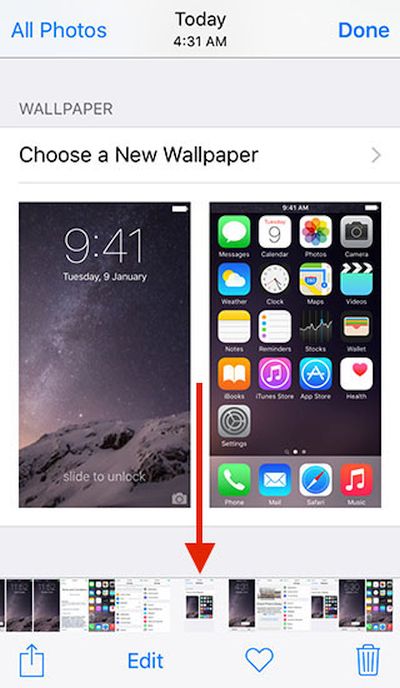
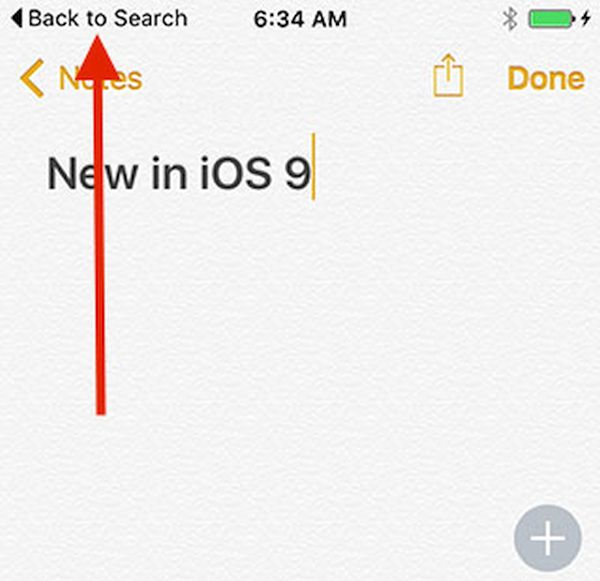
Hidden iOS 9 features include the scrubber in the Photos application which makes it possible to flip through images right in the camera roll, back to app / back to search feature, Shift key that controls your keyboard characters for typing [turn it on and you will see caps, turn it off and you will see all lower-case characters], redesigned app switcher and Siri. It will become possible to attach files to your Mail right from iCloud Drive and use side switch option for muting and locking your screen on iOS 9.
Besides, you can protect your iPhone with 6-digit passcode once you install iOS 9 platform but Apple also gives you a choice to choose the old 4-digit code system.