iPhone users who have installed iOS 7.1 get a small problem. Each time they are listening to YouTube music or watch videos they hear the music stop playing once they are trying to do other things on the smartphone. There is cool iOS 7.1 feature you must know about.
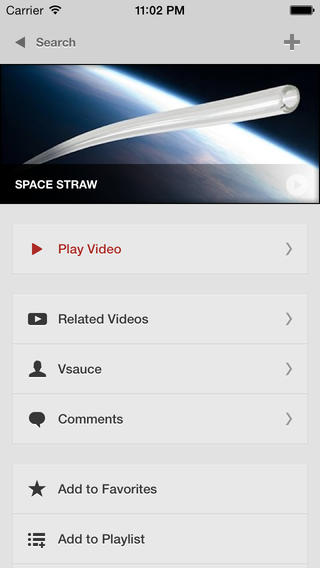
There is a good application called Jasmine. You can find it in the App Store. It can fix the issue and allow you playing YouTube audio files in the background on the iOS 7.1 iPhone 4S and iPad. This is a walk around you will like.
First you download this application. Then you should do small trick and get music playing in the background.
Step 1. Download Jasmine for iOS 7 gadgets.
Step 2. Launch YouTube video you wish to watch. Click on the home button. You will hear no music now as it stops playing.
Step 3. Swipe upward from the bottom of the screen and you will open Control Center.
Step 4. There will be a triangle Play option. Click on it. It will show your audio file played last.

Step 5. Now you can have iOS 7.1 YouTube video play in your background.
We hope that iPhone and iPad users enjoy using this little tip and discover other great iOS 7.1 features.