Many people rely on their iPhone when they need to wake up in the morning [you can also SIM unlock your AT&T iPhone 6s without issues]. Sometimes users ‘don’t hear’ their alarm and this is why you might want to increase iPhone alarm volume. This is not difficult to do. It’s simple and the whole guide can be found below.
All heavy sleepers should adjust their volume. When you increase the volume of your handset you will automatically increase all sounds. This way you will always hear the alarm but unexpected calls in the middle of the night will also wake you up. Here is what you should do in order to have all sounds low while the alarm’s volume would be up.
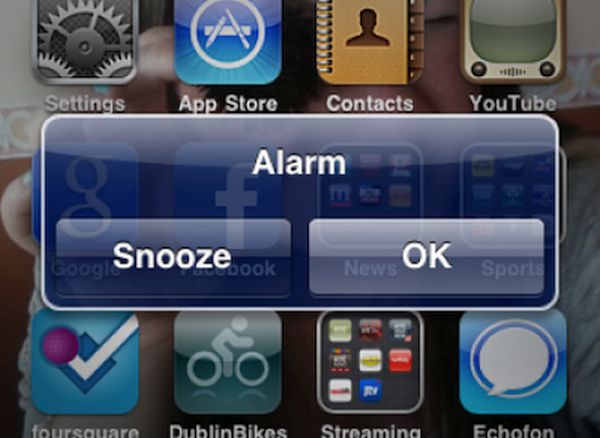
How to Make iPhone Alarm Louder
Step 1. Firstly you can set your volume to maximum and use Do Not Disturb mode at the same time. This way no one would wake you up at night. You’ll sleep till the alarm goes off.
Step 2. Second method advises to change your speakers. Simply connect your handset to external speakers and you’ll know for sure that you won’t miss the alarm. These could be your computer speakers, iPhone dock or Bluetooth. Anything would work if it makes the alarm louder. You should also know how iPhone 4s works on iOS 5 compared to iOS 9 platform.
Step 3. Thirdly you might choose a different ringtone / alarm sound for your iPhone alarm. There are many sounds to choose from so you can select anything you’ll be pleased to hear in the morning.
All these simple methods will help you increase iPhone alarm volume.