Some Apple customers experience one issue: they are unable to answer iPhone 6 or 6 Plus after another iOS 8 update [find out when the best iPhone resale value time is this year]. Is there a fix to this problem? You can try the solution described below and follow our instruction to take incoming calls just like usually.
Even if your iPhone is unable to answer calls you can still order factory iPhone 6 AT&T unlock or services for other U.S. mobile operators. This is always simple and fast, it supports all firmware version including iOS 8.4 and all previous releases. The service is affordable and safe to use. You can also run IMEI network check and similar services to make sure you are eligible for the SIM free service.
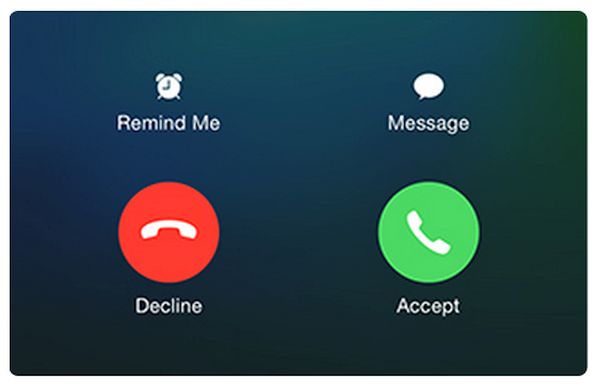
iPhone Cannot Take Calls: What to Do?
Step 1. Some users cannot answer phone calls when their iPhone is unlocked. Others get the issue at different times since their Answer button suddenly stops responding. The issue could be gone when you answer the calls from the locked iPhone. But all these situations occur to users who upgraded to iOS 8 [you can also try to install iOS 9 beta to see if the problem is gone] which seems to include the unpleasant bug.
Step 2. You can simply press on Sleep/Wake key when your Accept button doesn’t respond. This method fixes the issue for some AT&T iPhone 6 users as well as other carrier subscribers across the U.S.
Step 3. You could also try to reboot and Reset your Network Settings however this wouldn’t probably help that much.
Step 4. Restoring might not be a good solution either.
Step 5. Another way to fix the annoying bug is to upgrade to iOS 8.4 which is the most recent Apple mobile firmware for its smartphones.
Do you still get the problem or is it successfully gone after update?