Find out how to view Facebook hidden pictures. As usual you can hide photos from viewing in Facebook with the hide from timeline feature. But there is one third-party app that can make the magic and shows these “hidden” photos in all of their glory.
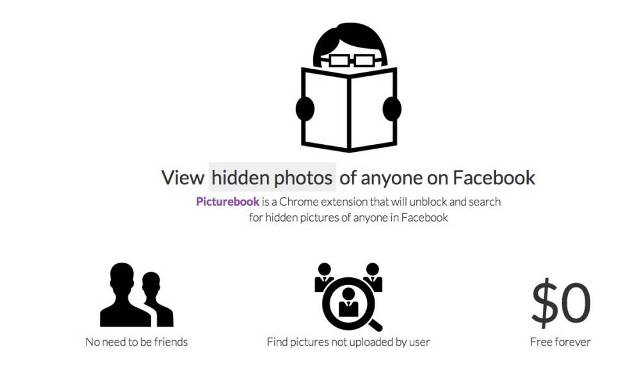
You may think that it can be Facebook bug. But it is not. It is known that in case you hide a photo from your timeline, there the warning will appear with information that snaps can still be viewed in Timelines of your friends. A little Chrome extension, Facebook hidden pictures viewer called Picturebook will find all public photo, and if you remain tagged in said photo.
One feature that do all the work called “hide from my Timeline”. And of course you can easily tell that is by no means a hack. However if you feel uncomfortable about the fact that someone check out all of the photos you’ve been tagged in by using Picturebook.
I think all of us were in such embarrassing situation where you have been tagged in those unflattering photos that we’d probably rather nobody saw. In that case you just have to switch to good old-fashioned de-tag to guarantee that snoopers cannot source them.
As you see the best thing is to delete photos completely. And don’t worry to that even if somebody has the Picturebook or a software, they won’t be able to view Facebook hidden pictures that you’d prefer never to see again in your life.
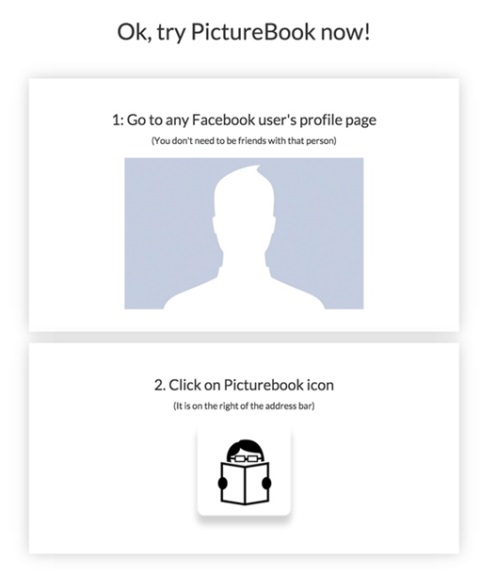
To do the de-tag option you need select “hidden from Timeline” from the drop-down located above a photo’s date place. After that from the pop-up push the “Report/Remove tag” option, and then select “I want to untag myself“.
That’s it! Remember, make sure that you’re not giving away more personal information and data to the world than you’d like, keep tabs on your privacy settings.