When your mobile operator supports the most recent feature you should take full advantage of it. If you are using AT&T, Sprint or T-Mobile you should enable iPhone WiFi calling. This option was introduced with iOS 8 release and is present on the most recent iOS 9 platform. However you must enable it in order to enjoy.
You can save on your monthly iPhone bills as soon as you turn on WiFi calling iPhone 6s option. However you should note that if you have bad signals in your area this feature will drain your battery pretty fast [here is iOS 9 feature that can extend battery life on iPhone]. In other words, just like many other useful iOS 9 specs this option has pros and cons at the same time. The main disadvantage is the shorter battery life. The main advantage is the ability to received phone calls and text messages through WiFi when your cellular signal is not available.
How to Enable WiFi Calling on iPhone 5, 6s
Step 1. You need your iPhone for sure. All the settings can be changed directly on the smartphone.
Step 2. Open Settings.
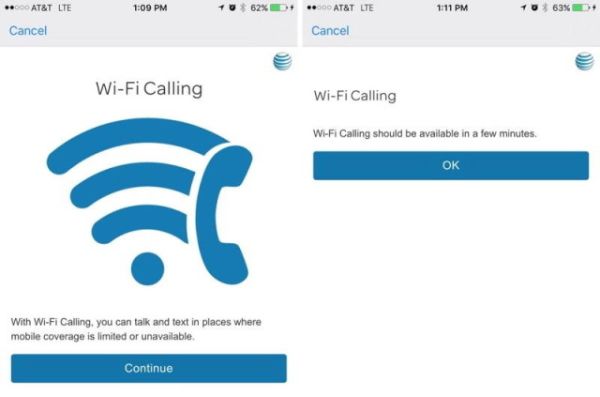
Step 3. Choose Phone – WiFi calling menu. U.S. users who are turning on the option for the first time will be asked to enter an address where emergency responders are able to find you if you ever place 911 call. This is required in U.S. and maybe some other foreign countries.
Step 4. Enable WiFi calling on iOS 9 for Sprint and other carriers and you will stay connected even when you have no cellular signal as long as WiFi network is available.
This is a well-ordered feature that is supported by different carriers from all over the world. It’s cool that you don’t have to download any third-party apps to turn on the great option. The feature is supported by Vodafone, Bell, EE, Rogers, SmarTone and a lot of other mobile operators.
One thought on “Guide on How to Turn On WiFi Calling iOS 9 on iPhone 6s, 5, 5s, 6”