Users who purchased the MacBook Pro device that was released by Apple in the middle of 2015 can now solve MacBook Pro storage issues they were experiencing [if case you are looking for how to SIM free your iPhone here is a guide for Mac machines]. A lot of people had problems with flash storage on this computer and the Cupertino-based company now offers the fix that will make the device work much better.
If you happen to buy the mid-2015 computer from the ‘fruit’ giant and you had MacBook Pro flash storage problems that drove you crazy you might want to intall the new firmware update which Apple offers to its consumers. The update 1.0 is developed to address the storage bug.
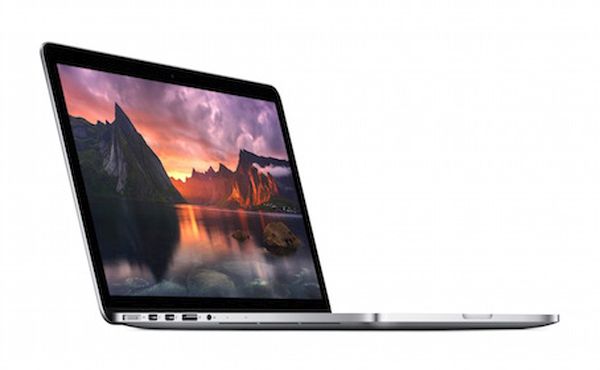
MacBook Pro presented in mid 2015 comes with the Force Touch feature. Apple is expected to include such an option to its new iPhones 7 [some experts call them iPhone 6S and 6S Plus]. The same technology is already used in the Apple Watch.
Apple states that the firmware version 1.0 is recommended to all users who have the mid-2015 MacBook Pro model. If you experience the issue but don’t want to update to newer software version you might one day face data corruption. In other words, it is better to download and install the update.
How can you do this? Go to the Mac App Store and you will be able to download the software update from there. Hopefully the issue will be gone once and forever and you won’t have problems with flash storage on your ‘fruit’ computer any more.