Some users ask the same question ‘iPhone unlocked what does it mean’ and we are happy to explain all the nuances about being SIM free from your network. By the way, the unlocking rules have changed in the U.S. in 2015. When you are locked you cannot switch the SIM and start using a different carrier as you will simply get no signal or see messages that something is wrong with the card you are inserting if it doesn’t belong to the network you are limited to.
Being unlocked means being free from any mobile operator. If an iPhone is unlocked what does it mean? It means you can insert different SIMs, choose any carrier, switch carriers at any moment and change data plans no matter what country you are in or traveling to.
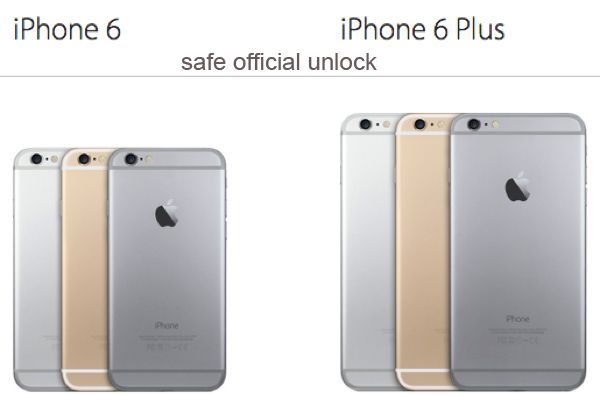
Some U.S. and foreign mobile networks are eager to unlock iPhone subscribers at some cost or even for free. If your operator refuses to make you SIM free you can always order factory IMEI unlock for your carrier, iPhone model and blacklist / contract status and still become permanently free from any restrictions. This is safe, legal and officially allowed across the world.
What to Do with Unlocked iPhone
Step 1. After your unlock request has been processed by your carrier or an unlocking company you should get a new SIM that was previously unsupported by your gadget and take your old SIM out changing it for the new one. Remember to turn off your gadget while you are doing this.
Step 2. Turn the smartphone back on.
Step 3. Connect to your computer and launch iTunes. Backup.
Step 4. If you don’t have your original SIM card but you are already unlocked you might need to resent your cell phone. To do so, go to Settings, launch General and Reset option where you can select Erase All Content menu.
Step 5. Your information will be now wiped from the iOS device.
Step 6. Follow the setup instructions which your iPhone assistant shows on your screen and restore your unlocked iPhone from the backup you have.
Step 7. The model of yours should now support any SIM card and you can choose carriers and switch them as often as you like.
Are you ready to order iPhone official unlock by IMEI or would you rather try to get this service directly from the mobile operator you are using?